In a bid to make our online shopping chores easier Amazon has rolled out PayPhrase, a easy-to-remember shortcut to shipping and payment information for our Amazon account. Amazon PayPhrase can be used for Amazon’s Express Checkout system as well as across various online stores which are Amazon’s merchant partners.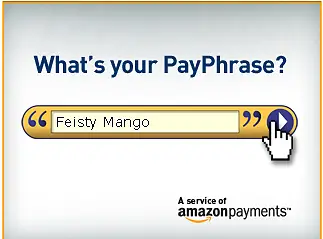 You will use Amazon PayPhrase because of four things:
- you shop at Amazon.com
- you want a secured shopping experience without sharing your credit card
- you want a speedy check-out facility without need to signing in each of the online stores you visit
- you’ll let your kids shop with shopping limits that you can set
The facility works like this – you create your own unique PayPhrase, associate it with a 4-digit PIN, enter your shipping and shopping credentials and then use your PayPhrase to shop around the Internet. The next time you go online shopping, you can use your PayPhrase account. It practically eliminates the need to memorize different usernames and passwords for each stores you shop to.
In other words Amazon PayPhrase is just like the OpenID system, only this time it’s for online shopping and nothing else.
Although the process of creating a PayPhrase account is a bit tedious, it is however a good initiative on Amazon’s part to make online shopping easier and more easier. And perhaps it could be the initial steps towards Amazon’s launch of a payment system like PayPal.